 Judicial opinions, even unpublished ones, can teach us about using animations and demonstratives in court. Today, I’ll review decisions from a murder trial that illustrate three important lessons for visual aids:
(1) Tie animations or other visual aids tightly to the evidence in the case;
(2) Use simple visual aids to help jurors understand and track the evidence; and
(3) Design visual aids that communicate your themes to the jury.
 Going to trial requires planning and attention to detail. Jurors may not see the details of your plan, but they will appreciate attorneys who move quickly in trial and show respect for the jurors’ valuable time and attention.
 I will be presenting some webinars soon about litigation technology (click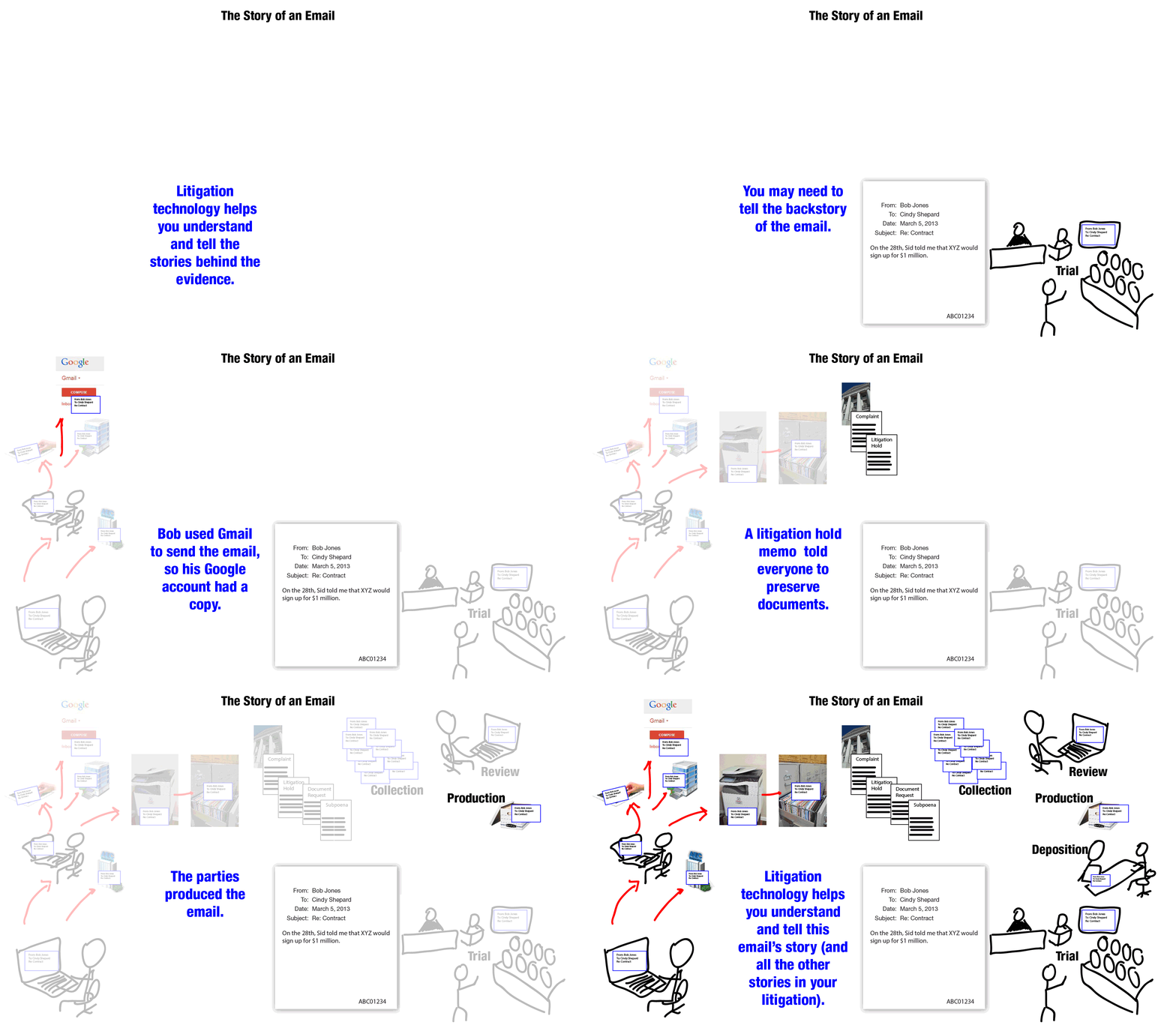
 Morgan and I are hosting webinars on Wednesday, March 5, and Thursday, March 6, that we hope attorneys will find helpful for everyday practice and for trial.
 At Cogent, we often work with experts and trial counsel to prepare graphics illustrating and explaining expert opinions. Thus, a new Ninth Circuit decision about the scope of expert discovery in federal court caught our attention. The decision in
  A central case database where litigators track issues, witnesses, events, documents, to-do items and more is a vital tool for making e-discovery and litigation more efficient.
 Litigation would be much easier if you could work on just one case at a time, and if each case moved quickly to a conclusion. Unfortunately, litigators don’t have that luxury. Litigators need to jump from case to case, putting out fires in one, then jumping to the next. Because litigation can span years, litigators often need to return to information and analysis done weeks, months or even years ago.
 “I’ve had enough! You’re fired!”
 Professor Edward Tufte, the guru of information graphic design, advises his students to study the design of popular websites to learn techniques for conveying info




 Google Plus
Follow Cogent Legal
Subscribe by Email